

Overview
The Xara Business API lets your application create products and tickets for a business, request a customer invoice, and receive a webhook when the customer pays.
The base URL for every request is:
https://graph.usexara.ai/rest/
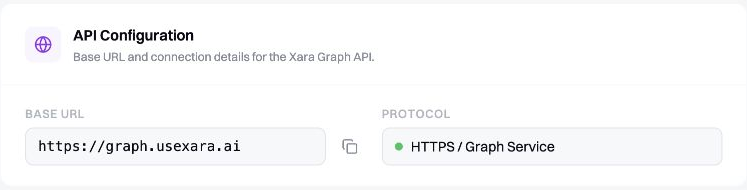
The developer dashboard shows the public Graph API connection details used by every request.
The integration flow
Create or retrieve a catalog item
Create a product, service, or subscription and keep its returned data.id. When you create a ticketed event, each tier has a product_id. These IDs identify what the customer will pay for.
Request an invoice
Send the customer's phone number, your business ID, and one or more product IDs to Payment/requestInvoice.
Store the reference
Every successful invoice response contains a reference. Store it with your order so you can match the later payment to your own record.
Receive the payment webhook
When money arrives, Xara sends invoice.payment_received or invoice.paid to your registered webhook URL.
Verify and match the payment
Verify the signature using the raw request body. Use the delivery ID to avoid processing the same webhook twice, then match the payment to the invoice reference you stored.
Credentials
You will use three values from the Xara developer dashboard:
| Credential | Used for |
|---|---|
| API token | Authorizing product catalog requests and ticket creation |
| Business ID | Identifying the business receiving invoice payments |
| Webhook secret | Verifying that webhook deliveries came from Xara |
CatalogItem/create, CatalogItem/getAll, and Ticket/createBusinessTicket require a Bearer API token. Payment/requestInvoice does not; it uses business_id to identify the business.
WooCommerce
Already using WooCommerce? Find it on the Integrations page.